
Translate Voice Instantly: AI Brilliance at Your Fingertips
Our AI voice translator helps with global communication through accurate transcription, translation, and clear preset voiceover playback across 130+ languages.
Using OpenAI Whisper to process voice, we provide accurate transcription, while large language models handle context-aware translations. With clear translated playback and real-time transcription, our AI voice translator helps bridge languages.
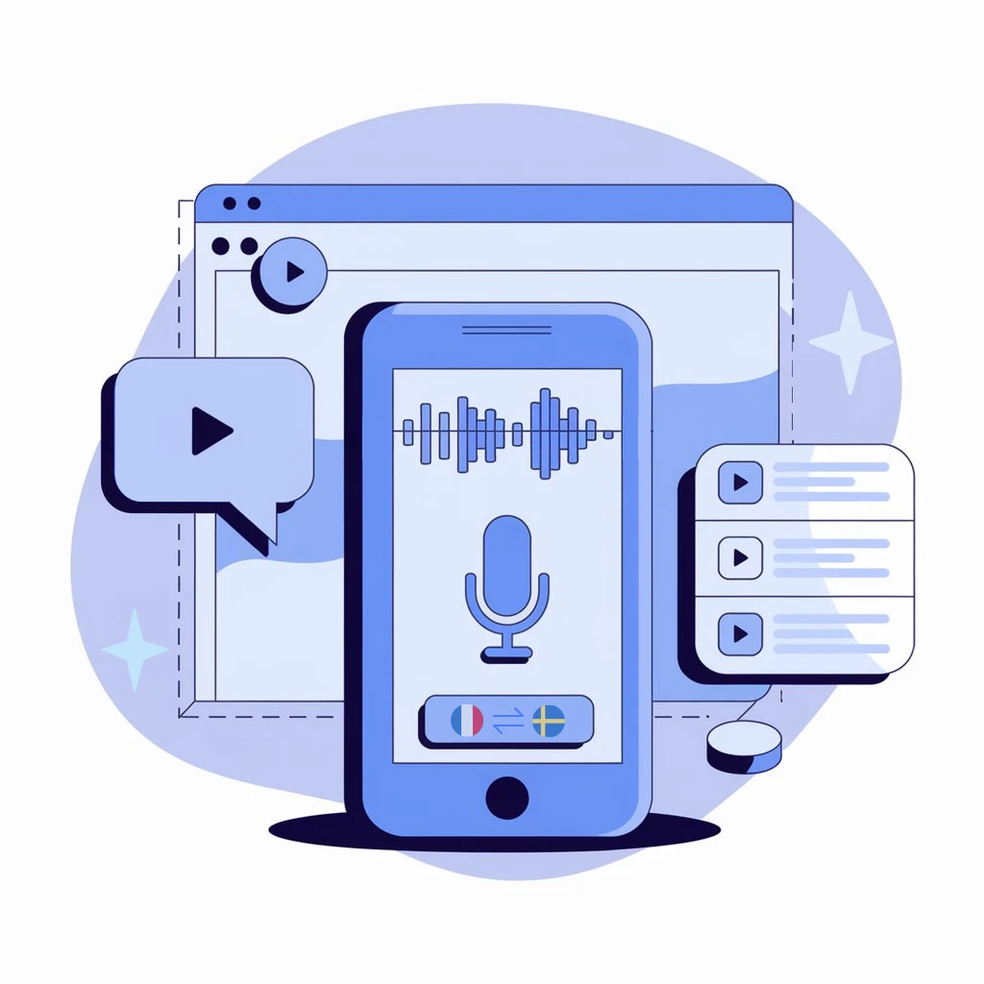
Why Choose Transmonkey AI Voice Translator?

AI-Driven Accuracy
Our AI voice translator harnesses OpenAI's Whisper model and large language models, delivering unparalleled transcription and translation quality. Experience context-aware voice translation that captures nuances in speech.

130+ Language Support
Our voice translator, powered by large language models (ChatGPT, Gemini, Claude), breaks language barriers with support for over 130 languages. It enables seamless communication across diverse cultures, ensuring accurate and context-aware translations.

Clear Voice Output
Use clear preset voiceover options for translated audio. The output is designed for understandable multilingual playback without implying imitation of real people or unauthorized voices.

Preset Voice Options
Personalize playback with preset voice options. Choose a tone and style that fits your content while keeping translated output clear and authorized.

All-in-One Solution
Simplify your workflow with our comprehensive audio translator. Transcribe, translate, generate subtitles, and dub your audio files all at once, providing an efficient, all-in-one solution for seamless processing.

Preserve the Soundtrack
Keep the integrity of your original background music as our AI dubbing tool smoothly overlays translated voiceovers, delivering a polished and professional result.
The AI Voice Translator Trusted Worldwide
This voice translator is fantastic. It accurately transcribed and translated a complex interview in minutes. The voice output was clear and easy to follow.

I’ve used a few audio translator tools, but this one really impressed me. It’s so easy to use, and the voice translation is surprisingly accurate. No more juggling multiple apps—this does it all in one go.

Every translation tool you need, all in one place


Image Translator
Our web-based image translator ensures the translated text perfectly replaces the original, preserving the same background.


3 Quick Steps to Translate Your Voice

Upload Your Voice File
For a local file, drag and drop your voice file into the designated area or use the select file option to upload the file for translation. For an online file, simply paste the URL directly into our audio translator.
Select Target Language
Choose from over 130 languages and preset voiceover options for your voice translation.
Download Your Translated Voice File
Click Translate and wait for the translation to finish. Once complete, you can download the translated file. Subtitle files are also available for separate download.
Explore More TransMonkey AI Translation Tools
Frequently Asked Questions
Can't find the answer you're looking for? Contact our support team
Transmonkey revolutionizes global communication with its state-of-the-art AI voice translator. Powered by advanced AI models like ChatGPT and Gemini, our translator seamlessly converts voice and audio files across over 130 languages, breaking down language barriers effortlessly.
Our translator provides translation services in over 130 languages, including English, Arabic, French, Russian, Spanish, and many more.
Our AI voice translator can efficiently process files up to 500 MB and 60 minutes in length.
Transmonkey uses top-tier AI to deliver accurate translation and clear translated playback. It captures speech precisely, understands context and tone, and helps create accurate subtitles for creators, tutorials, and podcasts.
Large language models are generally slower than traditional machine translation. Depending on the length of your audio or video file, the process may take anywhere from a few minutes to about an hour.
You can upload an audio file like MP3, or a video file, including MP4, MOV, M4V, or WAV, into the translator for instant voice translation.
TransMonkey offers both free and paid options. New users receive free trial credits to explore the features. For extended use, we provide flexible pricing plans including pay-as-you-go credits and subscription options (monthly or annual). Pricing details are available on our website and may be updated periodically to better serve our users. Visit https://www.transmonkey.ai/pricing for current pricing information
newCommonFAQ.new_a9_lsl
newCommonFAQ.new_a10_lsl
Transmonkey Covers a Full Range of Language Pair
Our translator offers over 80 language options, including these pairs.