
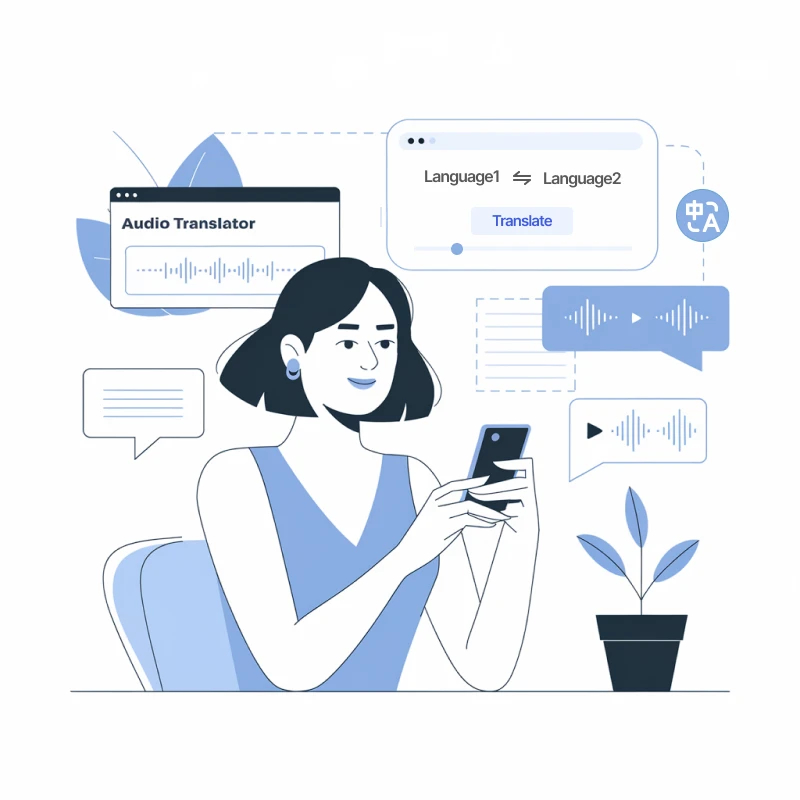
A Gold-Standard English to Russian Voice Translator

AI-Powered High Performance
Our Transmonkey voice translator leverages OpenAI's Whisper model and advanced language models, ensuring exceptional transcription and translation for English to Russian. Enjoy context-sensitive translation that accurately reflects speech nuances when you translate voice from English to Russian.

130+ Language Support
Our voice translator, leveraging advanced models like ChatGPT, Gemini, and Claude, facilitates communication by supporting over 130 languages. Whether you need to translate voice from English to Russian or beyond, enjoy precise and culturally relevant translations every time.

Lifelike Natural Voice
Our AI produces fluent dubbed audio that mirrors natural human speech, capturing the nuances of tone and emotion while translating voice from English to Russian, ensuring a deeply engaging communication experience.

Preserve Background Music
Enhance your voice translation experience with our diverse library in the Transmonkey voice translator. Select the ideal tone and style to seamlessly translate voice from English to Russian, ensuring your content resonates authentically.

Transcription & Translation
Streamline your processes with our all-in-one voice translator, designed to efficiently translate voice from English to Russian. Transcribe, translate, produce subtitles, and dub your audio in one go for effortless execution.

Diverse File Support
Maintain the essence of your video’s background music as our Transmonkey voice translator seamlessly integrates translated voiceovers, ensuring a seamless and professional finish for all your English to Russian translations.
Explore English to Russian Language Pair Information

English
The English language, a global lingua franca, originated from the Germanic languages brought to Britain by Anglo-Saxon settlers around the 5th century. It has evolved significantly through interactions with various cultures, incorporating vocabulary from Latin, French, and other languages. Today, English is spoken by millions worldwide as a first or second language, serving as a key medium for international communication, business, and culture. Its rich vocabulary and diverse dialects reflect the dynamic nature of its evolution.
Russian
Russian is an East Slavic language and the official language of Russia, Belarus, Kazakhstan, and Kyrgyzstan. It is one of the six official languages of the United Nations and has around 258 million speakers worldwide. The Cyrillic alphabet, consisting of 33 letters, is used in written Russian. Renowned for its rich literary tradition, the language plays a vital role in global history, culture, and diplomacy.
Challenges in English to Russian Translation
Translating voice from English to Russian presents unique challenges, such as differences in intonation, idiomatic expressions, and cultural nuances that are often lost in direct translation. For instance, a phrase that sounds natural in English may not have a direct counterpart in Russian, leading to misunderstandings. Using a professional AI voice translator can significantly help bridge these gaps, ensuring accurate and contextually appropriate translations.

Essential Times to Convert Voice from English to Russian

Podcast Translation
Unlock global reach with voice translation, transforming podcast episodes into various languages. Engage diverse audiences and boost your listener base with accessible, captivating content across cultures.

Business Meetings
Enhance collaboration in global meetings through real-time voice translation, effortlessly connecting diverse teams and driving innovative ideas without the barrier of language differences.

Connecting with Relatives
Effortlessly bridge language gaps with voice translation, enabling heartfelt conversations and emotional connections with relatives, no matter the distance or spoken tongue.
3 Quick Steps to Translate English Voice to Russian

Upload Your Voice File
Drag your file into the upload window, or click the "Select File to Upload" option to add the voice file to the translator.
Review and Confirm
Double-check that your voice file is correctly uploaded and that the language pair shown matches your translation needs (e.g., English to Russian).
Download Translated File
Click "Translate" and wait for the translation to finish. Download the translated voice file once the process is complete.
Explore More TransMonkey AI Translation Tools
Frequently Asked Questions
Can't find the answer you're looking for? Contact our support team
Transmonkey revolutionizes cross-border communication with its state-of-the-art translation technology. Powered by advanced AI models like ChatGPT and Gemini, our translator seamlessly converts a wide range of document types across over 130 languages, breaking down language barriers effortlessly.
Our translator provides translation services in over 130 languages, including English, Arabic, French, Russian, Spanish, and many more.
Our voice translator can efficiently process files up to 500 MB and 60 minutes in length.
Transmonkey uses top-tier AI to deliver native-level video and audio translations. Our technology captures speech with high precision, understanding context and tone to generate accurate subtitles and natural-sounding audio. Perfect for content creators, tutorials, and marketing videos. For professional broadcasting or audio with heavy background noise, we recommend a quick review of the generated subtitles.
Large language models are generally slower than traditional machine translation. Depending on the length of your video, the process may take anywhere from a few minutes to about an hour.
You can upload an audio file like MP3, or a video file, including MP4, MOV, M4V, or WAV, into the translator.
TransMonkey offers both free and paid options. New users receive free trial credits to explore the features. For extended use, we provide flexible pricing plans including pay-as-you-go credits and subscription options (monthly or annual). Pricing details are available on our website and may be updated periodically to better serve our users. Visit https://www.transmonkey.ai/pricing for current pricing information
Yes. Your data is securely stored on highly protected, dedicated servers located in the United States. Our storage partners are continuously audited and adhere to strict data security and privacy compliance standards.You can request immediate data deletion anytime at service@imgkits.com.
We offer refund options for both subscription plans and pay-as-you-go credits. Our refund policy varies by subscription type and purchase timing. For complete details about eligibility, refund windows, and how to request a refund, please visit our dedicated refund policy page at https://www.transmonkey.ai/cancel-and-refund. You can also contact our support team at vote@imgkits.com for refund assistance.