


David Carter
I discovered this AI video translator through a friend's recommendation and it has truly exceeded my expectations. The AI video translator's accuracy in translating subtitles and dubbing with lifelike voices is phenomenal.
Transmonkey's AI video translator lets you easily transcribe, translate, and add subtitles to video content in over 130 languages. Powered by advanced large language models like ChatGPT, Gemini, and Claude, our platform delivers seamless translation and AI video dubbing.
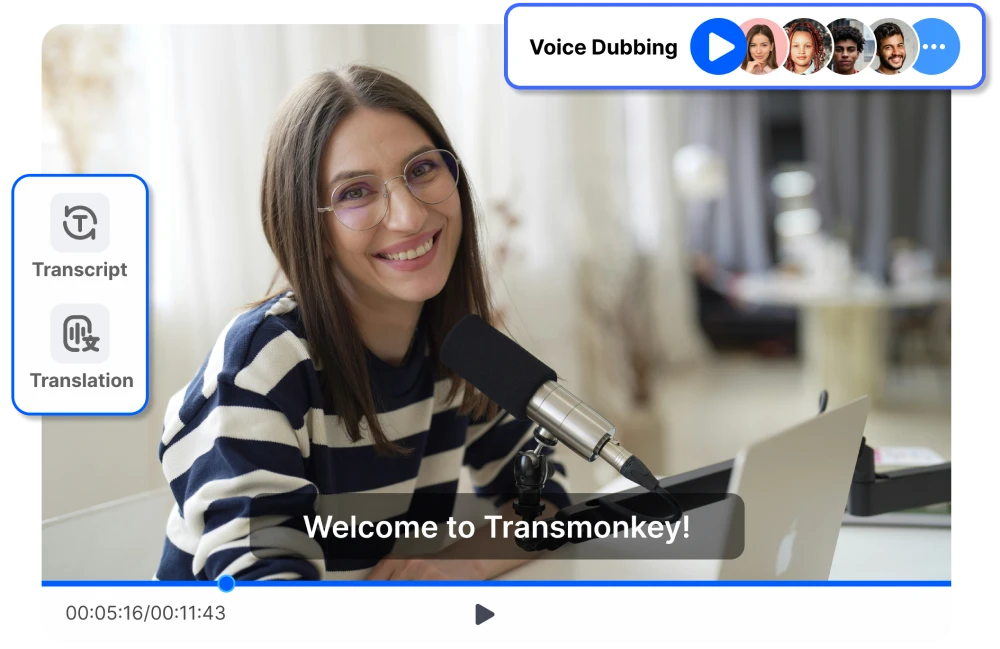
Transform Your Videos with Full Subtitle and Audio Translations
Utilizing latest large language models (ChatGPT, Claude, Gemini), our AI video translator ensures flawless subtitle and audio translations that maintain original meaning and tone every time.
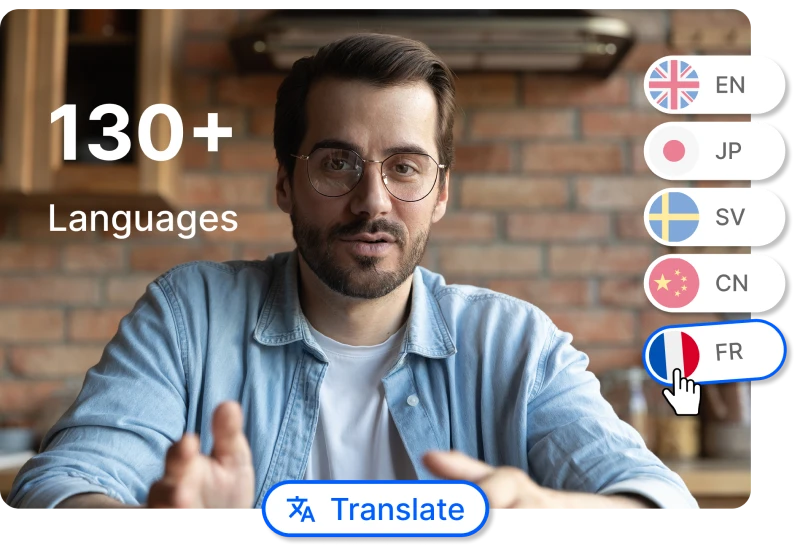
With support for more than 130 languages, Transmonkey's AI video translator platform is the ultimate solution for translating video to English, Chinese, Japanese, Korean, Arabic, Russian, Spanish, German, and beyond.
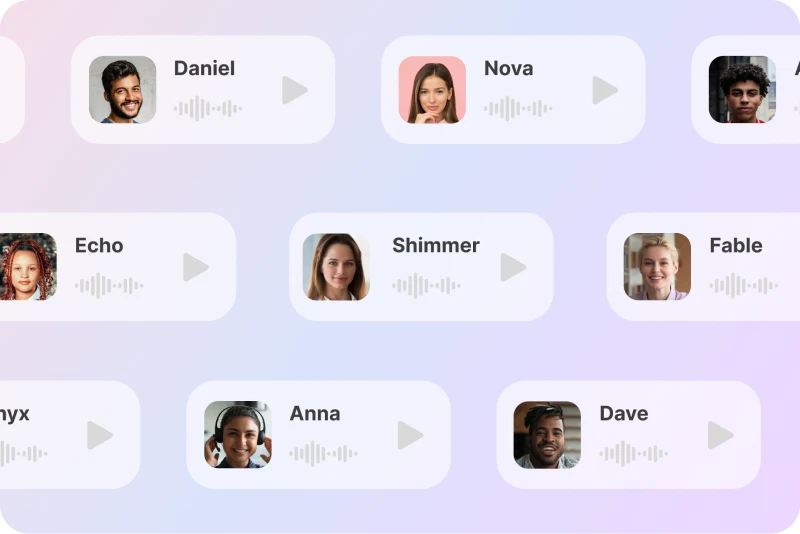
Lifelike, emotion-filled voices bring your videos to life. Powered by OpenAI's text-to-speech model, our AI video translator delivers seamless dubbing while preserving the original background music. The voices are so natural, you’ll forget they’re generated by AI.
Our AI video translator offers a rich variety of lifelike voices. Select the ideal voice from our diverse collection to perfectly match your video's style and message. It's like having a personal voiceover artist for every video.
With built-in voice cloning, our AI video translator guarantees that your translations preserve your distinct tone in every language. Maintain your own style while connecting authentically with worldwide audiences
Imagine having a personal scribe that transcribes your video's audio into text with lightning speed and precision. Powered by OpenAI's Whisper model, our technology ensures highly accurate transcription. Say goodbye to tedious manual transcription and hello to efficiency.
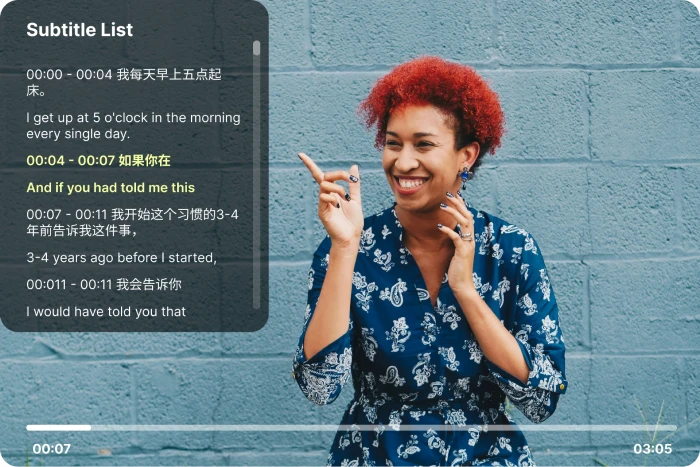
After the AI video translator converts your audio to text, it will automatically start translating the video content. Based on OpenAI Whisper model and advanced LLM, we ensure fast, accurate transcriptions and translations. Easily download and use the translated text wherever you need it.
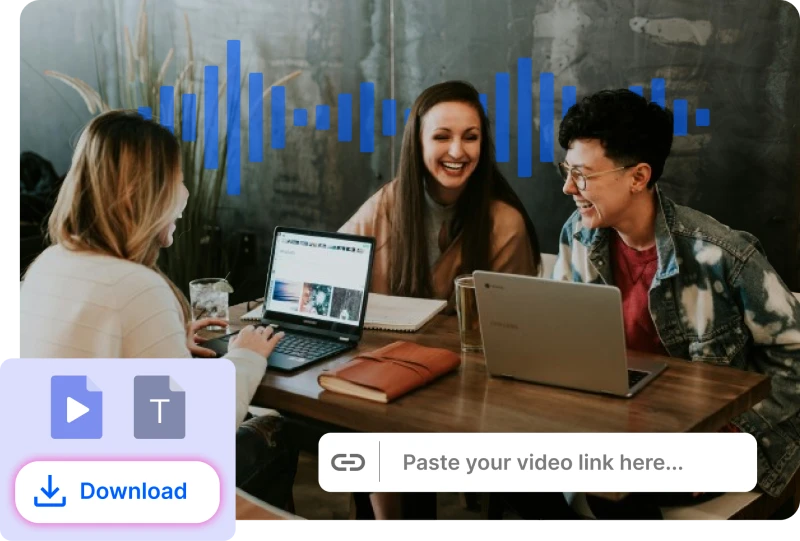
Our AI video translator makes it incredibly easy to translate your content by offering unparalleled flexibility. You can either upload videos in any format or simply paste URL links directly into the tool.
Our platform allows you to download your translated videos with a single click. You can also easily download subtitles in both the original and translated languages, ensuring your message is understood by everyone, everywhere.
After using the AI video translator, you can view your translation progress and results in the history interface. All translation data is saved for seven days, allowing you to easily access and manage your past projects
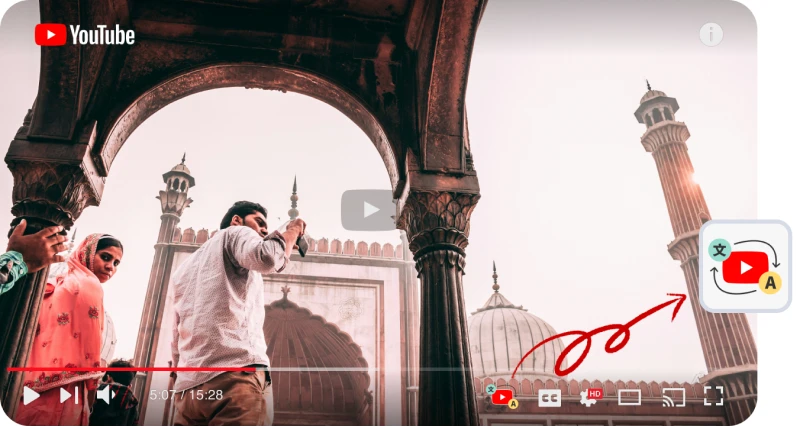
Automatically translate Youtube videos in real-time and play them in your language

Convenient operation, precise and synchronized dubbing. Whether you pause, drag the progress bar, or adjust the playback speed, our intelligent dubbing system can adapt in real-time to bring you a viewing experience similar to that of native videos.

Using OpenAI's Whisper model and latest LLM to automatically generate AI subtitles for YouTube videos, we provide a better viewing experience through improved subtitles. Elevate your YouTube videos with our AI video translator, and embrace the enhanced clarity and impact.

With our AI video translator, you have the freedom to customize the voice volume in your dubbed videos. This feature allows you to adjust the volume to fit the specific needs of your content, ensuring that the audio is always at the perfect level.

Our AI video translator's sophisticated voice cloning technology allows you to reproduce the original video voice or even dub with your own voice. This guarantees that your translated videos will remain authentic, providing a tailored and organic audio experience while keeping the original tone and aesthetic
For a local file, drag and drop your video into the designated area or use the select file option to upload the video for translation. For an online file, simply paste the video URL directly into our AI video translator.
Use the dropdown menus to specify the source and target languages. Then, customize additional options according to your preferences.
Click Translate and wait for the translation to finish. Once complete, you can download the translated video. Subtitle files are also available for separate download.
David Carter
I discovered this AI video translator through a friend's recommendation and it has truly exceeded my expectations. The AI video translator's accuracy in translating subtitles and dubbing with lifelike voices is phenomenal.

James Dawson
I often need to translate video content quickly, and this online AI video translator is perfect for this. The tool provides accurate translations directly from my browser, making it incredibly convenient. This has become an essential part of my workflow.

Emily Foster
The realistic audio translations are just mind-blowing. The AI video translator dubs audio with voices that sound incredibly natural. This tool has transformed my content, making it more engaging and accessible to a global audience. Absolutely love it!

Jessica H
This AI video translator has made my life so much easier. The transcription feature is fast and precise. I've used it to translate video content into various languages, and the results have been consistently excellent. A must-have tool!

Laura Johnson
As a teacher, I make educational videos and needed a tool to translate them into multiple languages. This AI video translator has been perfect for the job.

Rachel King
The realistic audio translations are fantastic. The voices are so natural, it's hard to believe they're not human. This AI video translator has transformed the way I create content. Absolutely love it!
1 / 6
Can't find the answer you're looking for? Contact our support team
Transmonkey is an AI-powered translation software that supports more than 130 languages, including English, Chinese, Japanese, Arabic, French, German, Hebrew, Indonesian and so on. AI Video Translator is one of our flagship services.
Our AI video translator provides translation services in over 130 languages, including English, Arabic, French, Russian, Spanish, and many more.
Yes, our AI video translator allows you to specify a voice for dubbing. You can choose from our extensive voice library, clone the original video voice, or even use your own voice for a personalized and natural result
Transmonkey uses top-tier AI to deliver native-level video and audio translations. Our technology captures speech with high precision, understanding context and tone to generate accurate subtitles and natural-sounding audio. Perfect for content creators, tutorials, and marketing videos. For professional broadcasting or audio with heavy background noise, we recommend a quick review of the generated subtitles.
Large language models are generally slower than traditional machine translation. Depending on the length of your video, the process may take anywhere from a few minutes to about an hour.
To translate video content, our AI video translator begins by extracting the audio and transcribing it using OpenAI's Whisper model for highly accurate and swift transcription. Powered by large language models like ChatGPT, Claude, and Gemini, the text is then translated with precision. Finally, OpenAI's text-to-speech model generates lifelike voice dubbing, seamlessly preserving the natural flow of the original audio. This combination of cutting-edge technologies ensures an authentic, high-quality translation experience.
Several factors might cause your YouTube link to fail analysis with our AI video translator:
1. Private, Deleted, or Region-Restricted Videos: If the YouTube video is private, has been deleted, or is restricted to certain countries, our AI video translator won't be able to process it.
2. Incorrect YouTube Links: Ensure your YouTube URL is correct and points directly to a video, not a profile page.
3. Network Issues: Check your internet connection, as a poor network can prevent our video translator from accessing the video.
4. Server Overload: Occasionally, our servers might get overloaded. If you encounter this issue, please contact us at service@imgkits.com.
TransMonkey offers both free and paid options. New users receive free trial credits to explore the features. For extended use, we provide flexible pricing plans including pay-as-you-go credits and subscription options (monthly or annual). Pricing details are available on our website and may be updated periodically to better serve our users. Visit https://www.transmonkey.ai/pricing for current pricing information
Yes. Your data is securely stored on highly protected, dedicated servers located in the United States. Our storage partners are continuously audited and adhere to strict data security and privacy compliance standards.You can request immediate data deletion anytime at service@imgkits.com.
We offer refund options for both subscription plans and pay-as-you-go credits. Our refund policy varies by subscription type and purchase timing. For complete details about eligibility, refund windows, and how to request a refund, please visit our dedicated refund policy page at https://www.transmonkey.ai/cancel-and-refund. You can also contact our support team at vote@imgkits.com for refund assistance.
Our translator offers over 130 language options, including these pairs.


