


Translation Demo from Transmonkey Word Translator
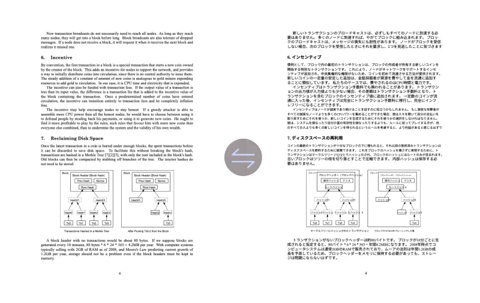
I used Transmonkey to translate a complex Word document, and it handled everything flawlessly. The layout stayed perfect, and the price was great too.

This Word translator is just awesome. It translated my document perfectly, keeping the original format intact. Couldn't ask for more!

Translate Microsoft Word online in full, with a few clicks
Translate Word document AI technology allows you to experience efficiency with our free online Word translator. Powered by ChatGPT, Gemini, and Claude, our expert LLM ensures that every translation is context-aware, delivering natural results across 130+ languages.
Translate Word documents online in an instant, while preserving the original layout. Say goodbye to clunky, word-by-word translations and embrace the fluidity of AI-driven language transformation.
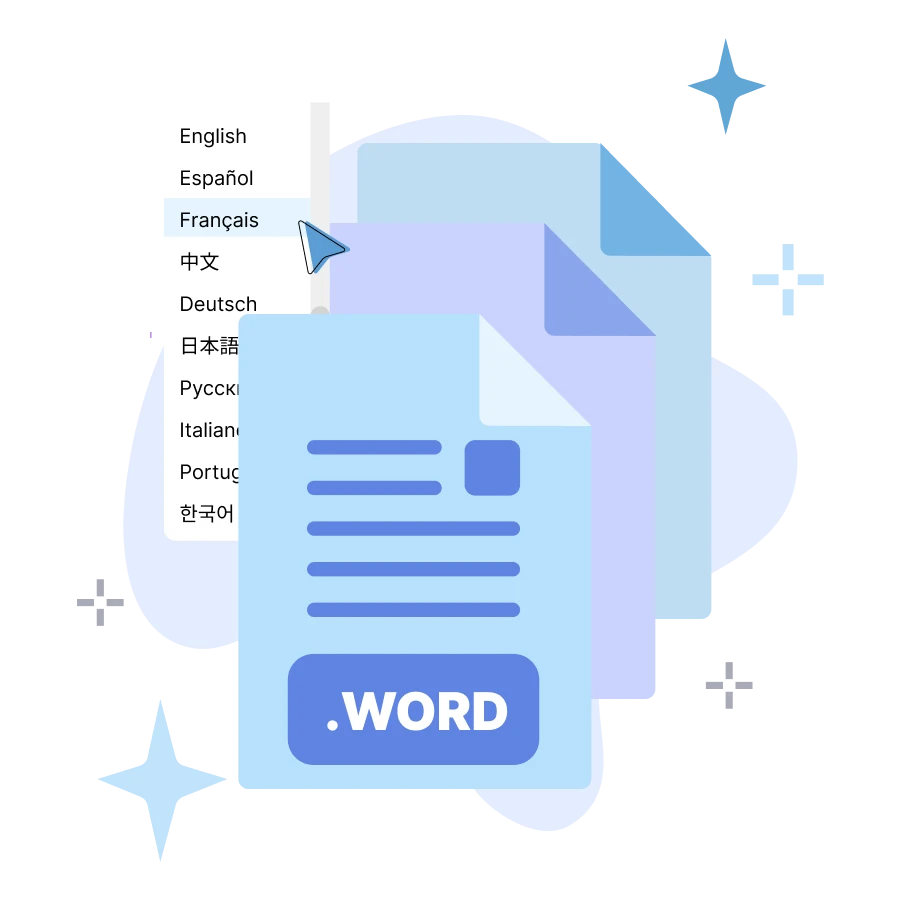
Why Choose Transmonkey Microsoft Word Translator?

Translate the Whole File
Our Word translator handles entire Word documents with ease, translating not just the text but also embedded images, charts, and other elements.

Perfect Layout Maintenance
Our Word translator ensures your document's layout remains just as you intended. The formatting, structure, and visual elements are carefully preserved.

130+ Language Support
Our Word translator offers the ability to translate into over 130 languages. Whether you're working with widely spoken languages or more niche dialects, our translator has you covered.

Accurate LLM Translation
We utilize specialized large language models for accurate, context-aware translations. AI Model based on neural networks including ChatGPT, Gemini, and Claude.

Handle Large File Smoothly
Our online Word translator is built to manage large documents with ease, offering a higher file size limit than most—up to 500MB.

Instant Translation Result
Translate Word files in minutes with our online Word translator and receive instant results. Enjoy fast, immediate solutions without delay.
Every translation tool you need, all in one place


3 Quick Steps to Translate Microsoft Word Documents

Upload your Word document
Access our online Word translator and click the upload area. Select the Microsoft Word document (.docx or .doc) from your local device to begin the process.
Select language and translate
Select your target language from over 130 options. Our AI will analyze the context and document structure to ensure a precise translation.
Download your translated document
After the translation is done, you can download the translated document. The AI ensures that your layout, images, and formatting are perfectly preserved.
Explore More TransMonkey AI Translation Tools
Frequently Asked Questions
Can't find the answer you're looking for? Contact our support team
At Transmonkey, we are dedicated to eliminating language barriers. Our AI-powered translation service supports over 130 languages, including English, Chinese, Japanese, Arabic, French, German, Hebrew, Indonesian, and more. Word translation is just one of the many ways we help you connect with the world.
Our translator provides translation services in over 130 languages, including English, Arabic, French, Russian, Spanish, and many more.
Free users can translate files of 2 pages. For subscribed users, the limit depends on the chosen plan, with the maximum file size being 500 MB.
Yes, our AI Word translator smartly extracts, translates, and reinserts the translated text precisely in its original position, ensuring the document's layout remains intact.
Our word translator delivers high-quality, accurate translations that you can rely on. We use latest AI models like ChatGPT, Gemini, and Claude to ensure that every word document translation is contextually accurate and natural. Whether you're translating a simple document or something more complex, our online word translator provides results that maintain the integrity and meaning of your original content.
TransMonkey offers both free and paid options. New users receive free trial credits to explore the features. For extended use, we provide flexible pricing plans including pay-as-you-go credits and subscription options (monthly or annual). Pricing details are available on our website and may be updated periodically to better serve our users. Visit https://www.transmonkey.ai/pricing for current pricing information
Yes. Your data is securely stored on highly protected, dedicated servers located in the United States. Our storage partners are continuously audited and adhere to strict data security and privacy compliance standards.You can request immediate data deletion anytime at service@imgkits.com.
We offer refund options for both subscription plans and pay-as-you-go credits. Our refund policy varies by subscription type and purchase timing. For complete details about eligibility, refund windows, and how to request a refund, please visit our dedicated refund policy page at https://www.transmonkey.ai/cancel-and-refund. You can also contact our support team at vote@imgkits.com for refund assistance.