


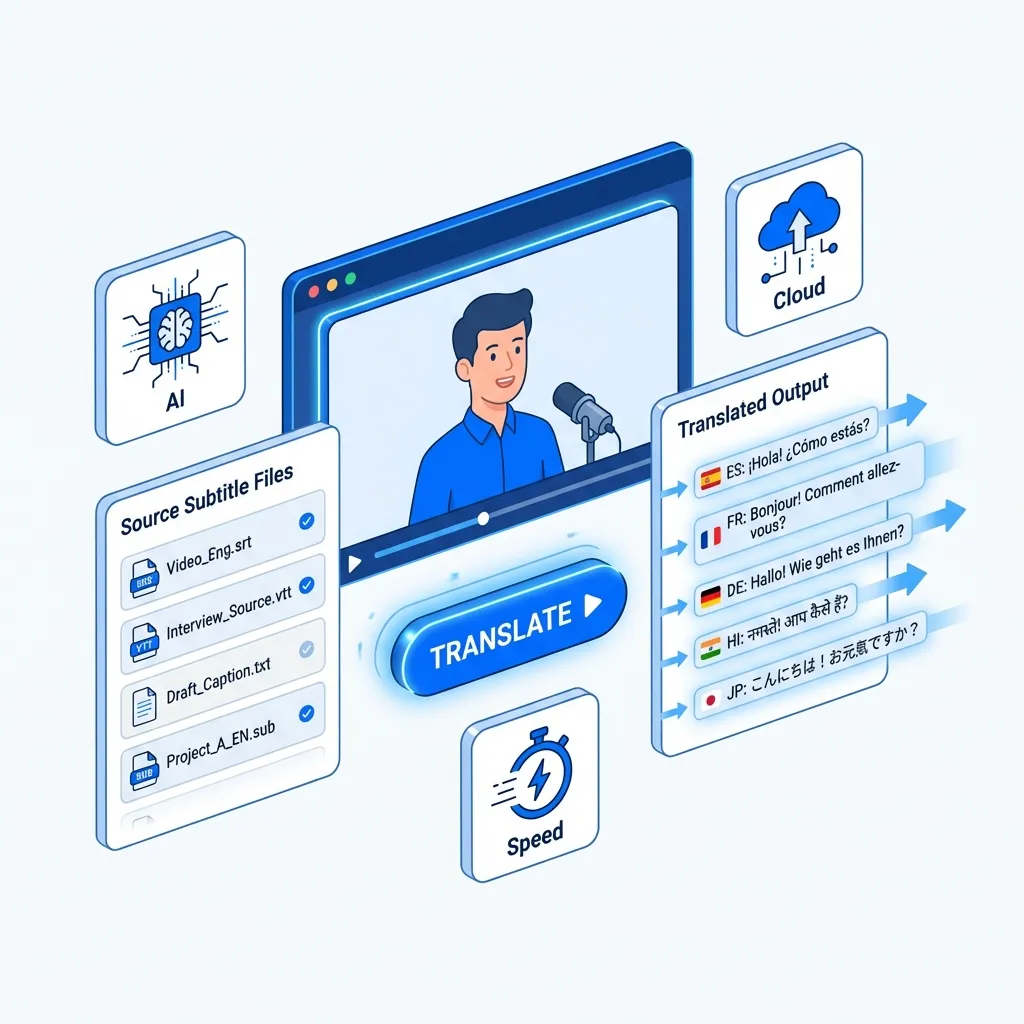
An Unrivaled Russian to English Subtitle Translator

AI-Driven Precision
Our subtitle translator utilizes the advanced OpenAI Whisper AI model combined with powerful language models like ChatGPT, Claude, and Gemini. This ensures precise, contextually rich translations for your Russian to English subtitle needs, delivering exceptional accuracy every time.

Extensive Language Coverage
Easily translate subtitles from Russian to English and over 130 other languages. Our subtitle translator allows you to access a wealth of global content with precise translations, enhancing your experience across languages like Chinese and English.

Ultra-Fast Results
Experience ultra-fast results with our subtitle translator. Simply upload your video to swiftly translate subtitles from Russian to English in just minutes. Our service ensures speedy and accurate translations without compromising quality.

Extensive Media Support
Our subtitle translator goes beyond just translating SRT files; it expertly handles video and audio formats as well. Effortlessly transcribing and translating media, we enhance the experience for users seeking to translate subtitles from Russian to English.
Explore Russian to English Language Pair Information

Russian
Russian is a Slavic language widely spoken in Russia and several neighboring countries. It uses the Cyrillic alphabet, consisting of 33 letters. Known for its rich literature and complex grammar, Russian boasts a vibrant cultural heritage, including famous writers such as Leo Tolstoy and Fyodor Dostoevsky. As one of the six official languages of the United Nations, it plays a significant role in global communication and diplomacy.
English
The English language is a global means of communication, originating from England and now spoken by millions worldwide. It serves as a primary language in numerous countries and is often used in international business, diplomacy, and science. With a rich vocabulary and diverse dialects, English continues to evolve, incorporating influences from various cultures. Its widespread use makes it an essential tool for cross-cultural interactions and global understanding.
Most Popular Phrases for Russian to English Translation
оставайся здесь
Stay here
Откуда ты?
Where are you from?
Я не знаю
I don't know
Поздравляю!
Congratulations!
Слушай внимательно
Listen carefully
Регулярно занимайся спортом
Exercise regularly
Я голоден.
I'm hungry.
Нет.
No.
посмотри
Check it out
хорошо сделано
Well done.
Challenges in Russian to English Translation
Translating subtitles from Russian to English poses several challenges, such as cultural nuances, idiomatic expressions, and varying sentence structures that may not have direct equivalents. Subtle humor and context can get lost in translation, making it essential for a skilled subtitle translator to retain the original tone. Utilizing a professional AI subtitle translator can significantly enhance accuracy and fluency, ensuring a more enjoyable viewing experience.

3 Quick Steps to Translate Russian Subtitles to English

Upload Your Subtitle File
Drag your subtitle file into the upload window, or click the "Select File to Upload" option to add your subtitles to the translator.
Review and Confirm
Double-check that your file is correctly uploaded and that the language pair shown matches your translation needs (e.g., Russian to English).
Download Translated Subtitles
Click "Translate" and wait for the translation to finish. Download the translated subtitle file once the process is complete.
Explore More TransMonkey AI Translation Tools
Frequently Asked Questions
Can't find the answer you're looking for? Contact our support team
Transmonkey is at the forefront of language technology, offering innovative solutions to bridge global communication gaps. Our versatile platform leverages state-of-the-art AI to provide fast, accurate translations across multiple formats and mediums. With support for over 130 languages, Transmonkey empowers businesses, creators, and individuals to effortlessly share ideas and content worldwide.
Our translator provides translation services in over 130 languages, including English, Arabic, French, Russian, Spanish, and many more.
Our subtitle translator can efficiently process SRT files up to 50 MB. If you wish to translate from an audio or video file, the maximum files size is 500 MB.
Our subtitle translator currently supports SRT files. We are continuously working on expanding our supported formats to include more options and enhance your subtitle translation experience.
TransMonkey offers both free and paid options. New users receive free trial credits to explore the features. For extended use, we provide flexible pricing plans including pay-as-you-go credits and subscription options (monthly or annual). Pricing details are available on our website and may be updated periodically to better serve our users. Visit https://www.transmonkey.ai/pricing for current pricing information
Yes. Your data is securely stored on highly protected, dedicated servers located in the United States. Our storage partners are continuously audited and adhere to strict data security and privacy compliance standards.You can request immediate data deletion anytime at service@imgkits.com.
We offer refund options for both subscription plans and pay-as-you-go credits. Our refund policy varies by subscription type and purchase timing. For complete details about eligibility, refund windows, and how to request a refund, please visit our dedicated refund policy page at https://www.transmonkey.ai/cancel-and-refund. You can also contact our support team at vote@imgkits.com for refund assistance.