


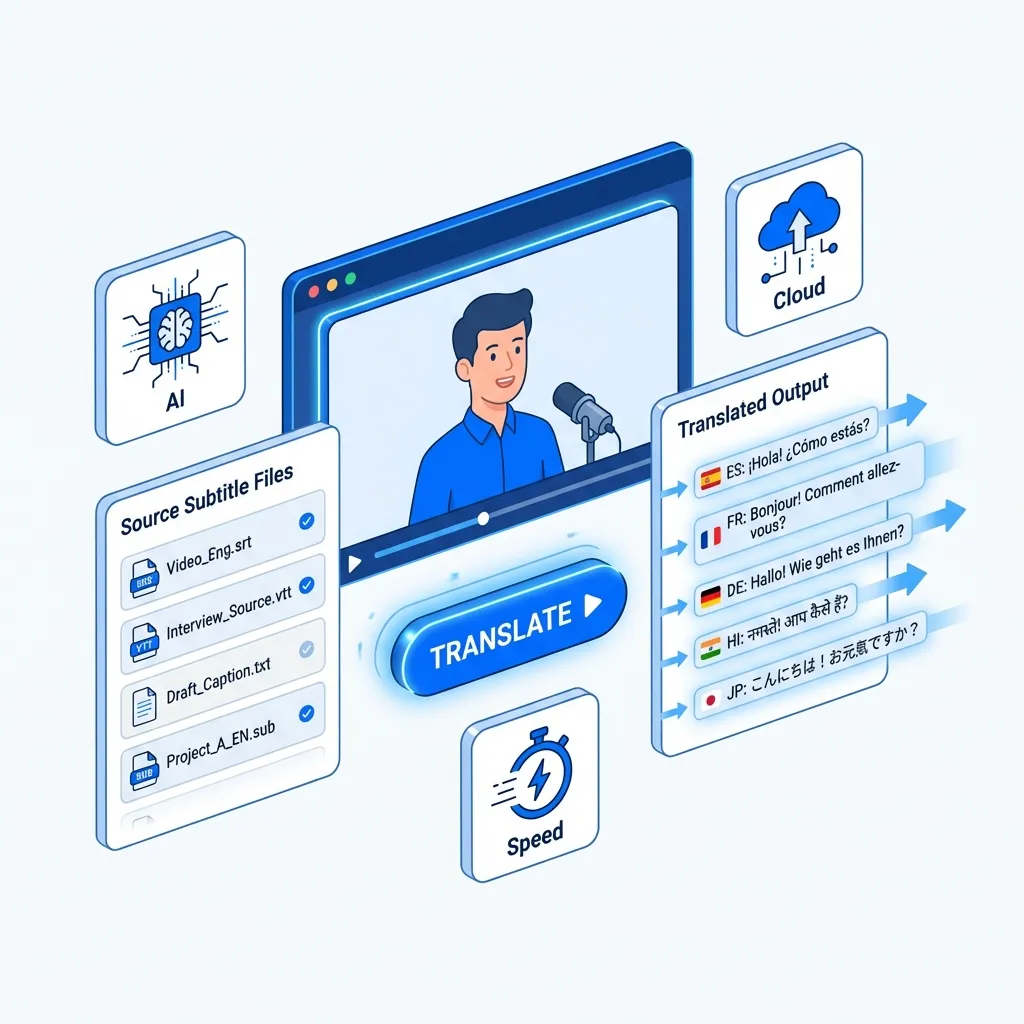
An Unrivaled English to Russian Subtitle Translator

AI-Driven Precision
Our subtitle translator utilizes the advanced OpenAI Whisper AI model, along with powerful large language models like ChatGPT, Claude, and Gemini. This combination guarantees precise, context-rich translations, making it the ideal choice to translate subtitles from English to Russian with exceptional accuracy.

Extensive Language Coverage
Translate subtitles from English to Russian effortlessly with our advanced video subtitle translator. Access a vast selection of global content featuring precise translations, covering diverse languages such as Chinese alongside English and Russian. Enjoy seamless viewing experiences worldwide!

Ultra-Fast Results
Experience unparalleled speed with our subtitle translator. Upload your video to translate subtitles from English to Russian in mere minutes. Our service guarantees quick, dependable translations that maintain high quality.

Extensive Media Support
In addition to translating subtitles from English to Russian, our comprehensive toolset supports various video and audio formats. Every piece of media is expertly transcribed and translated, significantly improving user convenience and overall experience.
Explore English to Russian Language Pair Information

English
The English language, a global lingua franca, originated in medieval England. It has evolved through influences from Germanic, Latin, and French languages, making it rich and diverse. With over 1.5 billion speakers worldwide, English is vital in business, science, and culture. Its flexibility allows for constant evolution, accommodating new ideas and expressions. As a result, it remains an essential tool for communication in our interconnected world.
Russian
Russian is an East Slavic language primarily spoken in Russia and several neighboring countries. It uses the Cyrillic alphabet, which consists of 33 letters. Rich in literature and culture, Russian is known for its complex grammar and expressive vocabulary. It is one of the six official languages of the United Nations and is spoken by millions around the world, making it an important language for international communication and diplomacy.
Most Popular Phrases for English to Russian Translation
work hard
Усердно работать
stay healthy
Поддерживать здоровье
I need a doctor
Мне нужен врач
How do I get to...?
Как мне добраться до...?
pay attention
Внимание
check out
Проверить
Call the police
Вызвать полицию
I would like...
Я хочу...
speak louder
Сказать громко
Good morning
Доброе утро
Challenges in English to Russian Translation
Translating subtitles from English to Russian presents unique challenges due to differences in syntax, idiomatic expressions, and cultural references. Many English phrases lack direct equivalents in Russian, requiring careful adaptation to maintain the original meaning and tone. A professional AI subtitle translator can help bridge these gaps, ensuring accurate and culturally relevant translations that enhance the viewing experience.

3 Quick Steps to Translate English Subtitles to Russian

Upload Your Subtitle File
Drag your subtitle file into the upload window, or click the "Select File to Upload" option to add your subtitles to the translator.
Review and Confirm
Double-check that your file is correctly uploaded and that the language pair shown matches your translation needs (e.g., English to Russian).
Download Translated Subtitles
Click "Translate" and wait for the translation to finish. Download the translated subtitle file once the process is complete.
Explore More TransMonkey AI Translation Tools
Frequently Asked Questions
Can't find the answer you're looking for? Contact our support team
Transmonkey is at the forefront of language technology, offering innovative solutions to bridge global communication gaps. Our versatile platform leverages state-of-the-art AI to provide fast, accurate translations across multiple formats and mediums. With support for over 130 languages, Transmonkey empowers businesses, creators, and individuals to effortlessly share ideas and content worldwide.
Our translator provides translation services in over 130 languages, including English, Arabic, French, Russian, Spanish, and many more.
Our subtitle translator can efficiently process SRT files up to 50 MB. If you wish to translate from an audio or video file, the maximum files size is 500 MB.
Our subtitle translator currently supports SRT files. We are continuously working on expanding our supported formats to include more options and enhance your subtitle translation experience.
TransMonkey offers both free and paid options. New users receive free trial credits to explore the features. For extended use, we provide flexible pricing plans including pay-as-you-go credits and subscription options (monthly or annual). Pricing details are available on our website and may be updated periodically to better serve our users. Visit https://www.transmonkey.ai/pricing for current pricing information
Yes. Your data is securely stored on highly protected, dedicated servers located in the United States. Our storage partners are continuously audited and adhere to strict data security and privacy compliance standards.You can request immediate data deletion anytime at service@imgkits.com.
We offer refund options for both subscription plans and pay-as-you-go credits. Our refund policy varies by subscription type and purchase timing. For complete details about eligibility, refund windows, and how to request a refund, please visit our dedicated refund policy page at https://www.transmonkey.ai/cancel-and-refund. You can also contact our support team at vote@imgkits.com for refund assistance.