
AI SRT Translator: Translate Subtitles with Perfect Timing
Timing Preserved
Support for Large Subtitle Files
Powered by Advanced AI
The SRT translator worked well for my project, translating a batch of subtitle files with consistent accuracy. I needed to translate some technical video subtitles, and it handled the job efficiently without sacrificing quality.

I’m really impressed with this SRT translator! It handled my large subtitle files for a full-length feature film quickly and the translations were spot on. It’s easy to use and the quality is top-notch.

AI-Powered SRT Translator at Your Fingertips
Our SRT translator, powered by advanced AI including ChatGPT and Gemini, delivers precise, context-aware subtitle translations. We seamlessly preserve your subtitle's integrity, ensuring the timing and formatting remain untouched.
Experience the thrill of instant results with our cutting-edge subtitle translator. Discover a new era of AI subtitle translation with Transmonkey.
Why Choose Transmonkey SRT Translator?

AI-Driven Accuracy
Leveraging ChatGPT and Gemini AI alongside state-of-the-art parsing technology, our SRT translator tool provides precise, contextually appropriate translations from your subtitle files.

Maintain Subtitle Integrity
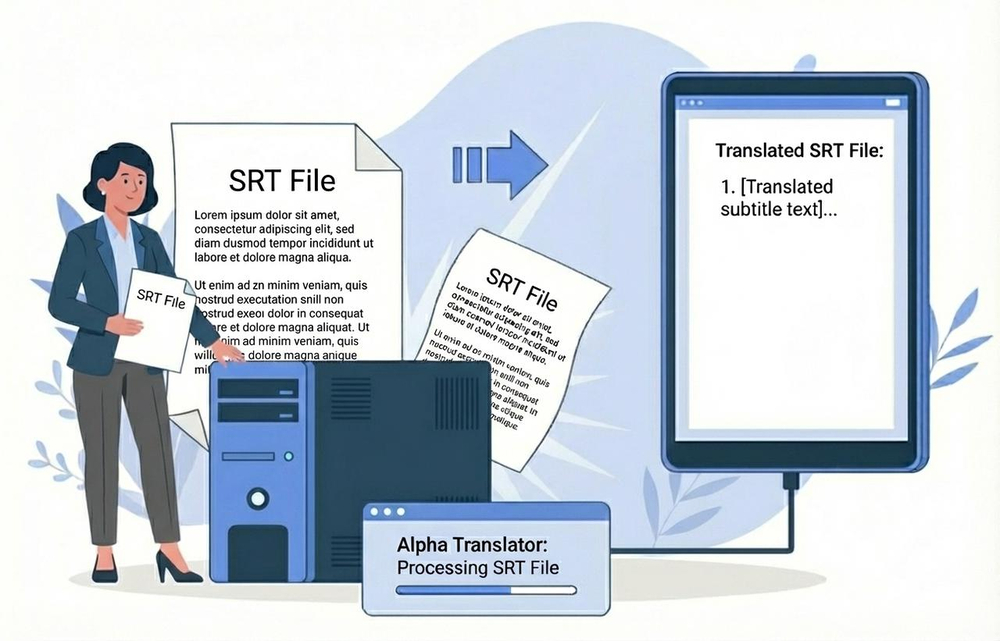
Our SRT translation system extracts original text, preserves the timecodes, and inserts translated content, maintaining the perfect sync of your subtitles.

Multi-Format Export
Easily export your translated subtitles in various formats. Our SRT translator supports TXT, VTT, SRT, and CSV outputs, providing flexibility for your workflow.

Seamless Workflow
Translate subtitles for any video project instantly with our web-based tool. Complete the task in one click, without switching applications or using external resources.

Large File Support
Our SRT translator handles large files with thousands of lines, ideal for movies and series. Receive precise translations while retaining perfect timing.

Real-Time Results
Obtain swift, accurate translations. Our SRT translator processes your files rapidly, delivering results within seconds.
Every translation tool you need, all in one place


3 Quick Steps to Translate SRT Files

Upload Your SRT Files
Upload your .srt subtitle files by dragging them into the designated area or selecting them from your device.
Select Language & Translate
Select your target language. Our AI SRT translator will process the text while preserving all complex styling, font colors, and timing.
Download Your Translated Subtitles
Preview the results and download your translated SRT file, which remains perfectly synced and formatted for your video project.
Explore More TransMonkey AI Translation Tools
Frequently Asked Questions
Can't find the answer you're looking for? Contact our support team
Transmonkey strives to enhance international discourse with innovative translation tools. Employing sophisticated AI models such as ChatGPT and Gemini, our platform delivers fluid translations for an extensive array of document and subtitle formats, covering more than 130 languages.
Our translator provides translation services in over 130 languages, including English, Arabic, French, Russian, Spanish, and many more.
Our subtitle translator can adeptly translate large SRT files with thousands of lines, making it suitable for feature-length films and entire series.
Yes, our AI SRT translator smartly extracts, translates, and reinserts the translated text, matching the original timecodes precisely, ensuring the subtitles remain perfectly synced.
Besides SRT files, we also support VTT, ASS, and other common subtitle formats.
Yes, it preserves most common formatting tags like italics and bold, ensuring the translated subtitle retains the original emphasis and style.
Transmonkey provides free trial credits for new accounts. To obtain more credits, you can subscribe to our premium service.
Data is stored securely on servers in the United States, by vetted, highly secure, third-party partners.
Your privacy is our priority. We don't store any of your translation data. Once the translation is done, all data is deleted within the day. The translation history remains only in your local browser.
Yes, you can request deletion at any time by sending us an email at service@imgkits.com.