


Translation Demo from Transmonkey PowerPoint Translator

I’m impressed with how well this AI PowerPoint translator handled my presentation. It translated every slide flawlessly, keeping the layout intact.

Love it! This tool worked wonders for my presentation. It helped me to translate my English PPT into French and German effortlessly.

Translate all slides in Microsoft PowerPoint with one click
Harness the brilliance of latest large language models like ChatGPT, Gemini, and Claude to translate your entire presentation with one click.
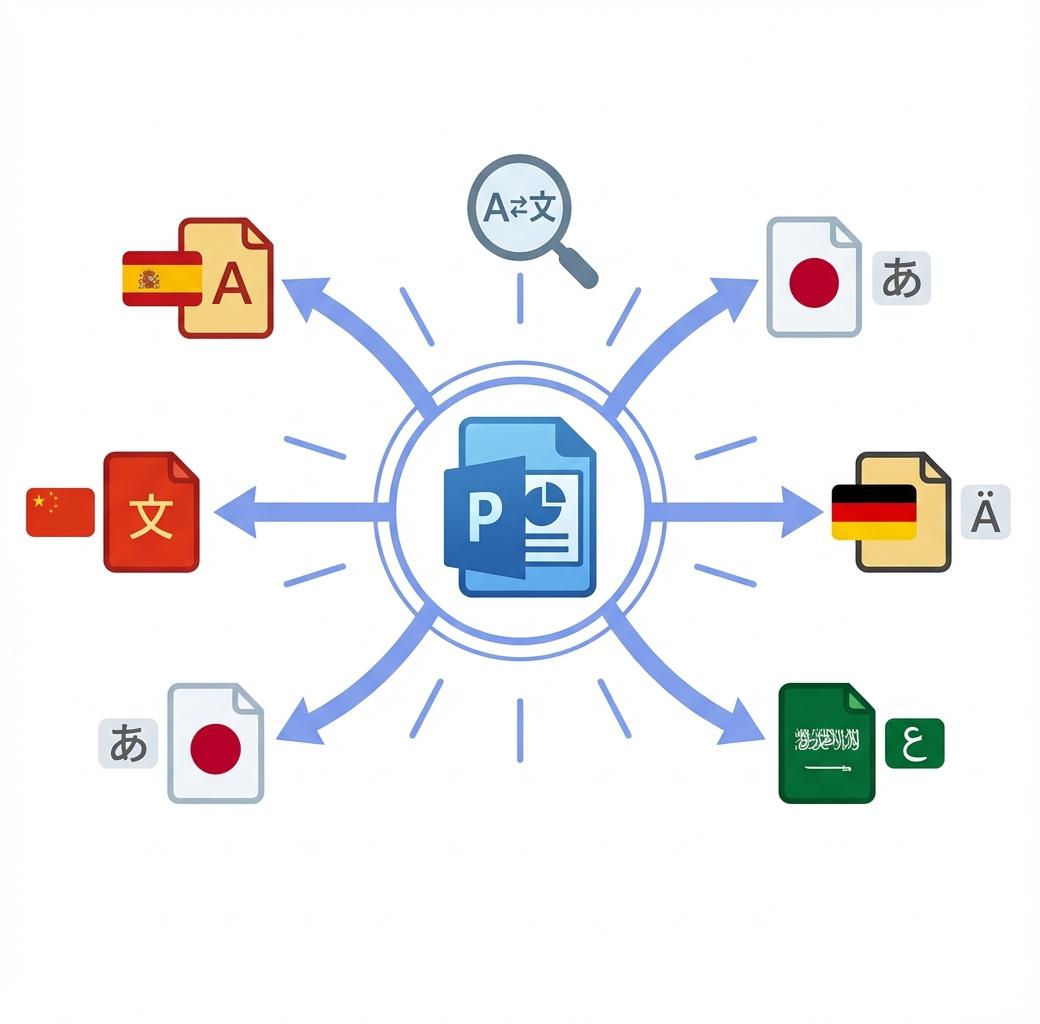
Our AI PowerPoint translator doesn't just translate text, it preserves your original design details. Say goodbye to manual work and use AI-powered solutions to translate PPT online in seconds.
Why Choose Transmonkey AI PowerPoint Translator?

Translate All Slides
Translate all slides in your PowerPoint with a single click. Our AI slide translator ensures the entire presentation is processed with speed and accuracy.

Preserved Formatting
Our PowerPoint translator doesn't just convert text, it meticulously preserves your slide's intricate design elements, ensuring your message and visual impact remain intact across languages.

130+ Languages Supported
With support for 130+ languages, our online PowerPoint translator enables you to translate PPT files into virtually any language instantly.

Accurate LLM Translation
Our AI PowerPoint translator harnesses the power of state-of-the-art large language models, providing context-aware, natural, and fluent translations with the support of latest ChatGPT, Gemini, and Claude.

Handle Large PPT Files
Our PPT translator supports large files up to 500MB, allowing you to translate extensive documents effortlessly. No need to worry about file size limitations anymore.

Instant Translation Result
Experience lightning-fast translations with results delivered in minutes. Get your PPT document translation finished almost instantly.
Every translation tool you need, all in one place


3 Quick Steps to Translate PPT Online

Upload Your PowerPoint Document
Drag your PowerPoint file into the upload window, or click the Select File to Upload option to add your document to the translator.
Select Language
Choose the original language and the target language in the language selection dropdown menu at the top of the translator.
Download Translated Document
Click Translate and wait for the translation to finish. Download the translated document once the process is complete.
Explore More TransMonkey AI Translation Tools
Frequently Asked Questions
For further assistance, contact our support team
At Transmonkey, we're revolutionizing global communication by breaking down language barriers with our AI PowerPoint translator. Our AI-driven platform, powered by latest models like ChatGPT and Gemini, effortlessly translates any document format across 130+ languages.
Our PowerPoint translator provides translation services in over 130 languages, including English, Arabic, French, Russian, Spanish, and many more.
Free users can translate files of 2 pages. For subscribed users, the limit depends on the chosen plan, with the maximum file size being 500MB.
Yes, our AI PowerPoint translator intelligently grabs, translates, and then re-inserts the translated text exactly where it belongs, all while maintaining the document's initial structure and layout.
Transmonkey leverages top-tier AI to deliver native-level PowerPoint translations. Unlike simple tools, we analyze context and cultural nuances to ensure professional, readable results for every slide. Perfect for business reports and educational content. For mission-critical files, we recommend a quick human review.
Large language models are generally slower than traditional machine translation. Depending on the amount of text in your document, the translation may take anywhere from a few seconds to around ten minutes.
TransMonkey offers both free and paid options. New users receive free trial credits to explore the features. For extended use, we provide flexible pricing plans including pay-as-you-go credits and subscription options (monthly or annual). Pricing details are available on our website and may be updated periodically to better serve our users. Visit https://www.transmonkey.ai/pricing for current pricing information
Yes. Your data is securely stored on highly protected, dedicated servers located in the United States. Our storage partners are continuously audited and adhere to strict data security and privacy compliance standards.You can request immediate data deletion anytime at service@imgkits.com.
We offer refund options for both subscription plans and pay-as-you-go credits. Our refund policy varies by subscription type and purchase timing. For complete details about eligibility, refund windows, and how to request a refund, please visit our dedicated refund policy page at https://www.transmonkey.ai/cancel-and-refund. You can also contact our support team at vote@imgkits.com for refund assistance.
Elevate Your Workflow with our AI PowerPoint Translator
Join 5,000+ satisfied customers!