


Drag file here or select image to upload
JPEG, PNG, WEBP, Batch Convert Max Limit 30 Files
Free plan can only translate 10 images, please upgrade for unlimited use.
Convert Image to Text with AI Online
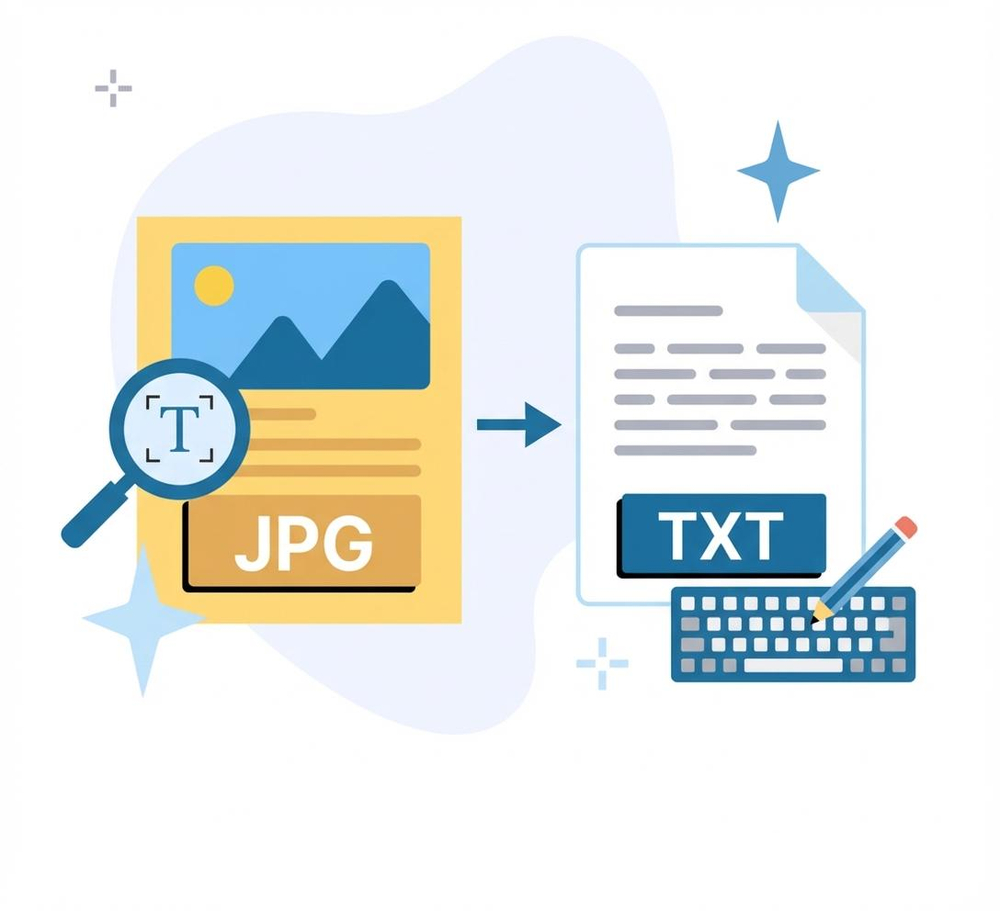
Experience the best image to text conversion with our cutting-edge online OCR converter. Designed for maximum accuracy, it leverages AI to extract text from image files seamlessly. With support for 130+ languages and an online interface ensuring fast results, our tool offers a comprehensive solution for any text extraction need.
Are you ready to revolutionize how you extract text from images? Simplify your processes through bulk processing and harness the full potential of our AI image to text converter. Experience innovation and simplicity combined!
Why Choose Transmonkey Image to Text Converter?

AI-Based Extraction
Experience unparalleled accuracy when you extract text from images with our sophisticated AI image to text converter. Utilizing state-of-the-art AI OCR technology, it ensures precision even from challenging sources like blurred images, scanned documents, or handwritten notes.

130+ Language Support
Extract text from images in over 130 languages effortlessly with our versatile image to text converter. Whether you're dealing with diverse documents or multilingual content, our tool ensures you get accurate text extraction every time.

Fast Result Accessible Anywhere
Access quick and efficient text extraction from images with our online OCR converter. This web-based tool provides rapid results, enabling you to obtain extracted text from anywhere, enhancing both convenience and productivity.

Batch Processing
Maximize efficiency with bulk text extraction from images using our image to text converter. Handle multiple files simultaneously, saving time and effort, perfect for businesses needing to process large volumes of scanned documents or images at once.
Converted Image to Text for 10,000+ Happy Users
I was impressed by the speed and precision of this image to text converter. It handled large batches of images with ease, saving me hours of manual work. The AI technology really makes a difference in text extraction accuracy.

Best tool for extracting text from images I've ever used! It's incredibly user-friendly and delivers fast results, even with complex documents. Truly a game-changer for my workflow!

Every translation tool you need, all in one place


3 Quick Steps to Convert Image to Text

Upload Your Image
Drag your image file into the upload area or use the "Select Image to Upload" button to insert your images into the online OCR converter.
Automatic AI Text Recognition
Our advanced AI OCR engine scans your file to identify and extract text from images with high precision. This automated process works across 130+ languages instantly.
Copy or Download Extracted Text
Once the image to text conversion is complete, you can copy the results to your clipboard or download the extracted text as a document for immediate use.
Explore More TransMonkey AI Translation Tools
Frequently Asked Questions
Can't find the answer you're looking for? Contact our support team
Transmonkey provides a robust set of AI-driven creative tools tailored for documents, videos, and images. With compatibility across virtually all formats, it delivers precise, top-tier AI OCR and extraction, simplifying data digitizing and ensuring a smooth experience.
Our tool possesses the capability to seamlessly extract text from images in over 130 languages, including English, Arabic, French, Russian, Spanish, and many more.
We support PNG, JPG, JPEG, and WEBP formats. Past experience has shown that our service is most effective for users who provide high-quality images.
Your image is processed by one of the best large language models and AI OCR technology available, offering top-tier extraction quality.
TransMonkey offers both free and paid options. New users receive free trial credits to explore the features. For extended use, we provide flexible pricing plans including pay-as-you-go credits and subscription options (monthly or annual). Pricing details are available on our website and may be updated periodically to better serve our users. Visit https://www.transmonkey.ai/pricing for current pricing information
Yes. Your data is securely stored on highly protected, dedicated servers located in the United States. Our storage partners are continuously audited and adhere to strict data security and privacy compliance standards. You can request immediate data deletion anytime at service@imgkits.com.
We offer refund options for both subscription plans and pay-as-you-go credits. Our refund policy varies by subscription type and purchase timing. For complete details about eligibility, refund windows, and how to request a refund, please visit our dedicated refund policy page at https://www.transmonkey.ai/cancel-and-refund. You can also contact our support team at vote@imgkits.com for refund assistance.