Drag and drop a file to convert to speech
PDF, PPT, DOCX, TXT files: max 50MB
File to Speech Magic: Transforming Documents into Voice
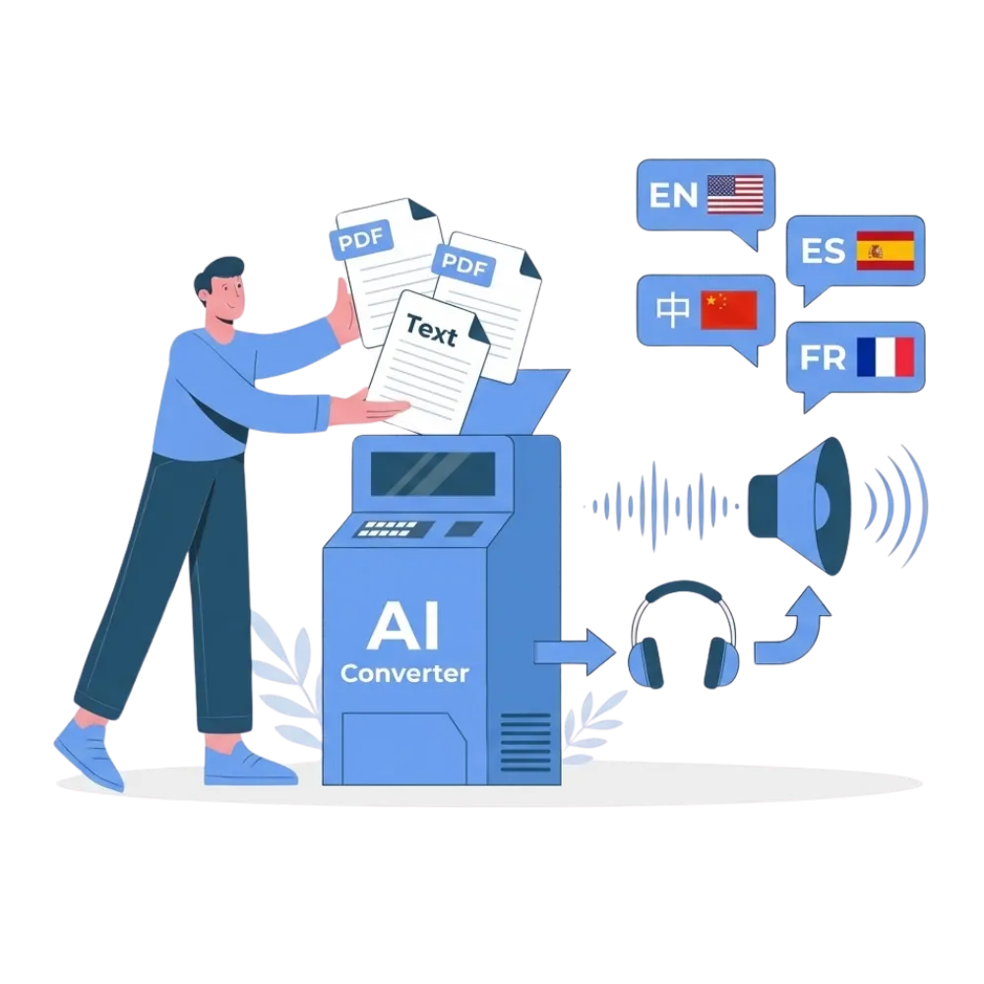
File to Speech allows you to transform files like PDF, DOCX, TXT, and EPUB into lifelike audio using our AI-powered solution. Built on OpenAI’s advanced TTS model, it delivers natural-sounding voices with adaptive intonation and inflection, ensuring engaging and accurate audio
Perfect for accessibility, creating audiobooks, or boosting productivity, our system supports multilingual voice conversion and various formats, making it the ultimate tool for document to MP3 conversion
Why Choose Transmonkey File to Speech Service?

Lifelike Speech Quality
Enjoy natural-sounding audio with Transmonkey's advanced File-to-Speech service. Our AI technology delivers lifelike speech quality, making your text-to-audio conversions clear, expressive, and engaging—perfect for work, study, or relaxation

Multilingual Voice Options
Transmonkey supports a wide range of multilingual voices, including popular languages like English, Spanish, French, and Mandarin. Whether you need regional accents or global languages, our text-to-speech service ensures your message reaches everyone

AI-Powered TTS
Powered by cutting-edge AI, Transmonkey transforms text into high-quality audio with accurate pronunciation, natural tone, and smooth pacing. Our AI-powered text-to-speech solution ensures a polished and professional listening experience every time

Extensive Voice Library
file_to_audio.benefit4Description

Multi-Format File Support
Upload and convert files in multiple formats, including PDFs, Word documents, and plain text. Transmonkey’s File-to-Speech service offers multi-format file support, ensuring compatibility and a seamless user experience

Seamless Integration
Integrate Transmonkey’s File-to-Speech service effortlessly into your workflow. With intuitive tools and APIs, our platform offers seamless integration for personal use, business applications, or any custom setup
3 Quick Steps to Convert File to Speech

Upload Your File
Click the 'Upload File' button and select your document (PDF, DOCX, TXT and more), or drag and drop it into the upload area
Choose Your Voice
Select your desired voice (e.g., male/female) or clone your own voice to read the file for a personalized experience
Convert and Download
Click the button, preview the audio, and download it as an MP3 file
5000+ Customers worldwide rely on our file to speech service
It turns documents into clear, natural audio, saving me so much time. The ability to adjust tone and speed makes it perfect for listening on the go. Highly recommend!

Amazing tool! I can easily convert text into audio and even clone my own voice. It’s simple, efficient, and has made my workflow so much smoother!

Explore More TransMonkey AI Translation Tools
Frequently Asked Questions
Have more questions? Contact us
File to Speech is a powerful tool that converts text from files like PDFs, Word documents, or plain text into lifelike audio. Perfect for accessibility, learning, and entertainment, it offers fast, high-quality text-to-speech conversion with natural voices
You can use our extension with Google Docs, Slides, and Sheets, or upload a file in various formats, including PDFs, DOCX, EPUB, and TXT
Our text-to-speech platform offers a wide range of language options, with support for over 130+ languages, including English, Arabic, French, Russian, Spanish, and many more
Transmonkey offers both free and paid options. New users receive free trial credits to explore the features. For extended use, we provide flexible pricing plans including pay-as-you-go credits and subscription options (monthly or annual). Pricing details are available on our website and may be updated periodically to better serve our users. Visit https://www.transmonkey.ai/pricing for current pricing information
Yes. Your data is securely stored on highly protected, dedicated servers located in the United States. Our storage partners are continuously audited and adhere to strict data security and privacy compliance standards.You can request immediate data deletion anytime at service@imgkits.com.
We offer refund options for both subscription plans and pay-as-you-go credits. Our refund policy varies by subscription type and purchase timing. For complete details about eligibility, refund windows, and how to request a refund, please visit our dedicated refund policy page at https://www.transmonkey.ai/cancel-and-refund. You can also contact our support team at vote@imgkits.com for refund assistance.
© Copyright 2025 Deep Explore Pte. Ltd
© Copyright 2025 Deep Explore Pte. Ltd