AI EPUB Reader Online
Drag and drop a file to make Speech
PDF, PPT, DOCX, TXT files: max 50MB
130+ Multilingual Support
Natural-Sounding Voice
AI-Powered Accuracy
Why Convert EPUB to Audio?
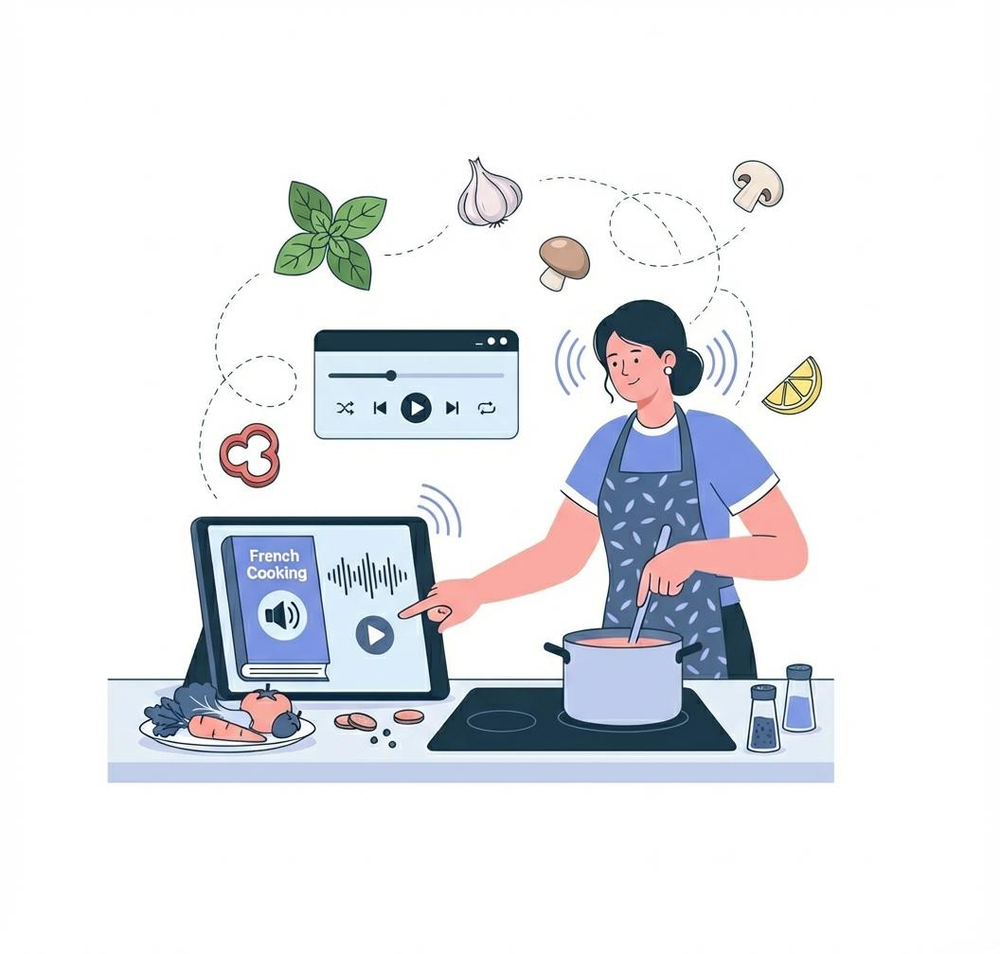
Transforming EPUB files into audio offers a seamless way to integrate content into your daily routine. Whether you’re driving, cooking, or exercising, audio files let you stay informed and entertained without being tied to a screen. This not only reduces eye strain but also helps cut down on digital fatigue
For multitaskers, converting EPUB to audio ensures you can make the most of your time, staying productive while on the move. Language learners also benefit from an immersive listening experience, with multilingual support to enhance skills. EPUB-to-audio conversion is the ideal solution for a fast-paced, modern lifestyle
Why Choose Transmonkey EPUB Reader Service?

Custom Voice Options
Choose from a variety of voice styles, including male and female, formal or conversational tones, and even emotional expressions. Tailor the voice to match your specific project’s needs

Global Language Support
Our platform supports a wide array of languages, from English and Spanish to French, Mandarin, and more. Whether you need a local dialect or a global language, we’ve got you covered

Advanced AI Technology
Leveraging state-of-the-art AI, our service delivers precise pronunciation, natural pacing, and a polished listening experience. Every conversion feels professional and easy to follow
Natural and Expressive Audio
Enjoy clear and engaging audio that sounds like a real human voice. Our AI-driven technology ensures smooth, expressive, and high-quality speech for any type of content

Personalized Voice Cloning
Upload a sample of your voice to create a custom digital narrator. Our neural AI engine supports over 20 languages, making it perfect for personalized audiobooks or branded content

Easy Integration
Our intuitive platform and APIs make it simple to integrate EPUB-to-audio conversion into your workflow. Whether for personal use, business applications, or custom projects, our tools adapt to your needs
How It Works: Convert EPUB to Audio in 3 Simple Steps

Upload Your EPUB
Drag and drop your EPUB file into our platform to get started
Select Your Voice
Pick a voice from our extensive library or create a custom voice for a personalized experience
Convert and Download
Click the convert button, preview the audio, and download it as an MP3 file to enjoy on the go
5000+ Customers worldwide rely on our EPUB Reader
I love how natural the voices sound. I can listen to my eBooks while commuting or doing chores. It’s such a time-saver!

The ability to customize voices is a game-changer. I use it to create audiobooks for my students, and the quality is amazing!

Explore More TransMonkey AI Translation Tools
Frequently Asked Questions
Have more questions? Contact us
To open an EPUB file online with Transmonkey, simply upload your EPUB file to the platform, select a natural-sounding voice from the library or create a custom voice, and convert it into an MP3 audio file. Once the conversion is complete, download the audio and enjoy hands-free listening anytime, anywhere
You can use our extension with Google Docs, Slides, and Sheets, or upload a file in various formats, including PDFs, DOCX and TXT
Our text-to-speech platform offers a wide range of language options, with support for over 130+ languages, including English, Arabic, French, Russian, Spanish, and many more
Our Tool provides free trial credits for free accounts. To obtain more credits, you can subscribe to our premium service
nnewCommonFAQ.new_a9_lsl
We offer refund options for both subscription plans and pay-as-you-go credits. Our refund policy varies by subscription type and purchase timing. For complete details about eligibility, refund windows, and how to request a refund, please visit our dedicated refund policy page at https://www.transmonkey.ai/cancel-and-refund. You can also contact our support team at vote@imgkits.com for refund assistance.
© Copyright 2025 Deep Explore Pte. Ltd
© Copyright 2025 Deep Explore Pte. Ltd