Transform Your PDF into a Lifelike Audiobook
Drag and drop a file to make Speech
PDF, PPT, DOCX, TXT files: max 50MB
Supports Multiple Languages
AI-Driven Precision
Lightning-Fast Conversion
Benefits of PDF to Audio
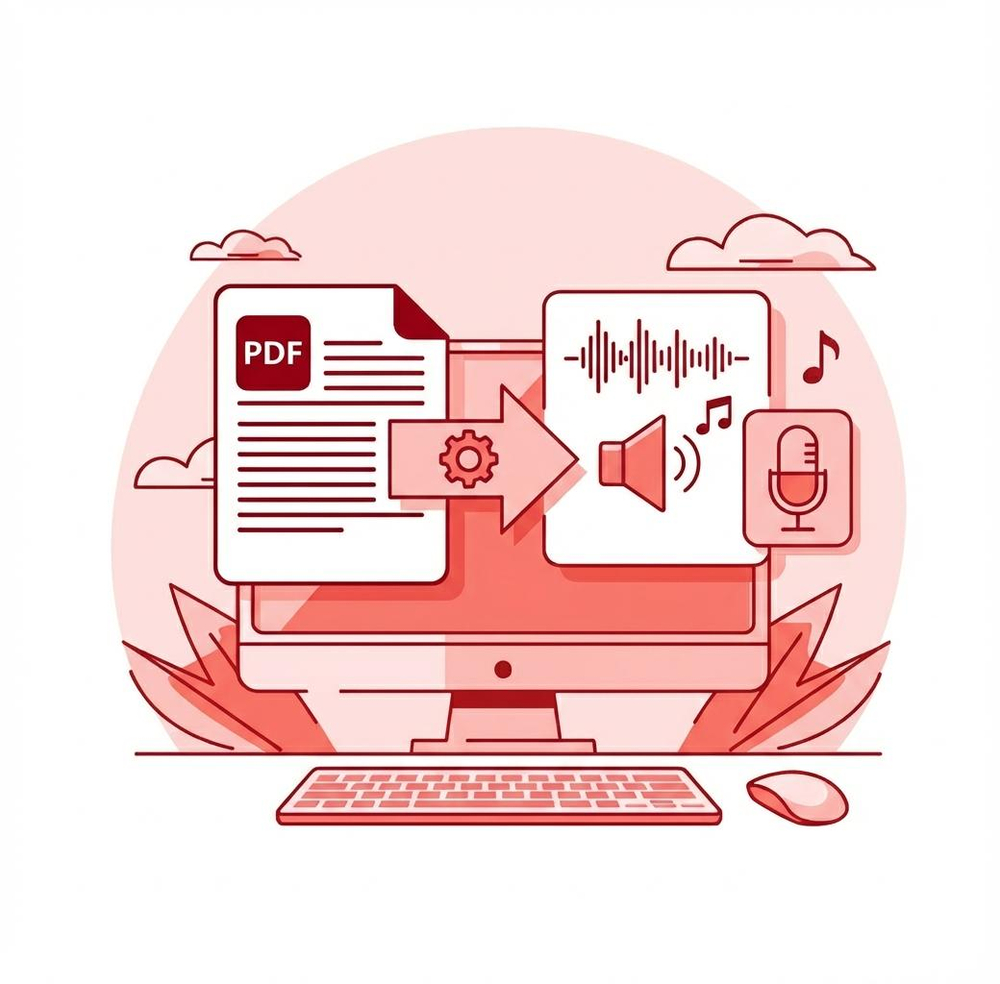
Converting PDFs to audio is a powerful way to make content more accessible and convenient. This technology transforms text into lifelike audio, helping visually impaired users and those who prefer listening over reading. It’s perfect for multitasking, allowing you to consume information on the go, whether commuting, exercising, or relaxing
With support for multiple languages, customizable voices, and natural-sounding audio, PDF to audio conversion enhances engagement and retention. It’s an ideal solution for personal, educational, and professional use, offering both practicality and an eco-friendly alternative to printed materials
Why Choose PDF to Audio Service?

Engaging Audio
Experience natural-sounding audio with Transmonkey's advanced PDF-to-Audio service. Our AI technology delivers lifelike speech quality, ensuring your text-to-audio conversions are clear, expressive, and engaging—ideal for work, study, or relaxation

Multilingual Voice Options
Our Tool offers a diverse range of multilingual voices, covering popular languages such as English, Spanish, French, and Mandarin. Whether you require regional accents or global languages, our PDF-to-audio service guarantees your message resonates with everyone

AI-Powered TTS
Leveraging cutting-edge AI, Transmonkey converts your PDFs into high-quality audio with precise pronunciation, natural tone, and smooth pacing. Our AI-powered text-to-speech solution ensures a polished and professional listening experience every time

Preset Synthetic Voice Library
Choose from a preset synthetic voice library featuring male, female, and neutral tones in various styles. Whether you need a professional, conversational, or expressive voice, TransMonkey's File-to-Speech service has an option for every project.

Preset Synthetic Voice Options
Choose from preset synthetic voice options in multiple languages, ideal for audiobook narration, learning materials, and branded content.

Seamless Integration
Easily integrate Transmonkey’s PDF-to-Audio service into your workflow. With intuitive tools and APIs, our platform offers seamless integration for personal use, business applications, or any custom setup
3 Quick Steps to Convey File to speech

Upload Your File
Upload your PDF document to our text to voice converter
Choose Your Voice
Select a preset synthetic voice and language for a personalized listening experience.
Convert and Download
Click the button, preview the audio, and download it as an MP3 file
5000+ Customers worldwide rely on our PDF to audio service
I often don’t have time to sit and read lengthy reports. Transmonkey’s PDF-to-audio service has been a game-changer for me. The voices sound incredibly natural, and I can listen to important documents while driving or working out. It’s efficient and saves me so much time!

Converting PDFs to audio allows me to review scripts and articles while multitasking. The variety of voices and the customization options are fantastic, and the quality is top-notch. Highly recommend this tool!

Explore More TransMonkey AI Translation Tools
Frequently Asked Questions
Have more questions? Contact us
How to listen to a PDF document?
To listen to a PDF document, simply upload your file to a text-to-speech platform like Transmonkey, choose your preferred voice, and convert it into an MP3. Download the audio and enjoy listening anytime, anywhere!
What file formats are supported?
You can use our extension with Google Docs, Slides, and Sheets, or upload a file in various formats, including PDFs, DOCX and TXT
What languages are available in file-to-speech generator?
Our text-to-speech platform offers a wide range of language options, with support for over 130+ languages, including English, Arabic, French, Russian, Spanish, and many more
Is File to Speech free?
Our Tool provides free trial credits for free accounts. To obtain more credits, you can subscribe to our premium service
Do you store my data?
No. We do not store your data. We process each file only to produce the translation you download. For privacy questions or account deletion requests, contact service@transmonkey.ai. See our Privacy Policy for details.
Can I cancel my subscription?
You can cancel your subscription at anytime by emailing us at service@imgkits.com. After the subscription is canceled, you will not be charged on the next billing cycle. You will continue to have the benefits of your current subscription until it expires
© Copyright 2026 Deep Explore Pte. Ltd.
© Copyright 2026 Deep Explore Pte. Ltd.